Prompting 101: How to Talk to AI and Get Far Better Answers
Two people can ask the same AI for help and get wildly different results. One gets a vague, generic answer and decides AI is overrated. The other gets something genuinely useful in seconds. Same tool — the difference is almost always in how they asked.
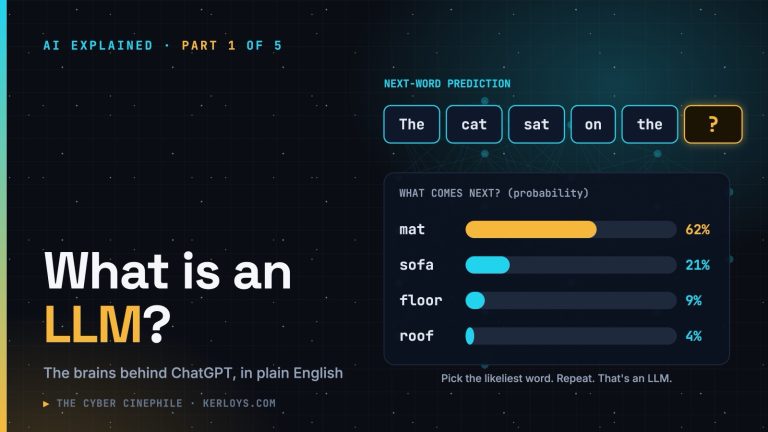
This is part 2 of AI Explained. In part 1 we saw that an LLM is a very well-read assistant that predicts the most likely next words. Today: how to talk to it so those “most likely” words are the ones you actually need.
The short answer
A prompt is simply what you type into the AI. A good prompt is like a good brief to a smart new colleague: it says what you need, why, for whom, and what “done” looks like.
Think of it as briefing a new colleague
Imagine a brilliant new team member on their first day. They know a lot about the world, but nothing about you — your job, your audience, your situation. If you say “write the email”, they’ll guess. If you explain the situation, they’ll nail it.
That’s exactly how to treat an AI. It can’t read your mind, and it fills every gap with the most generic option. The more relevant detail you give, the less it has to guess.
See the difference
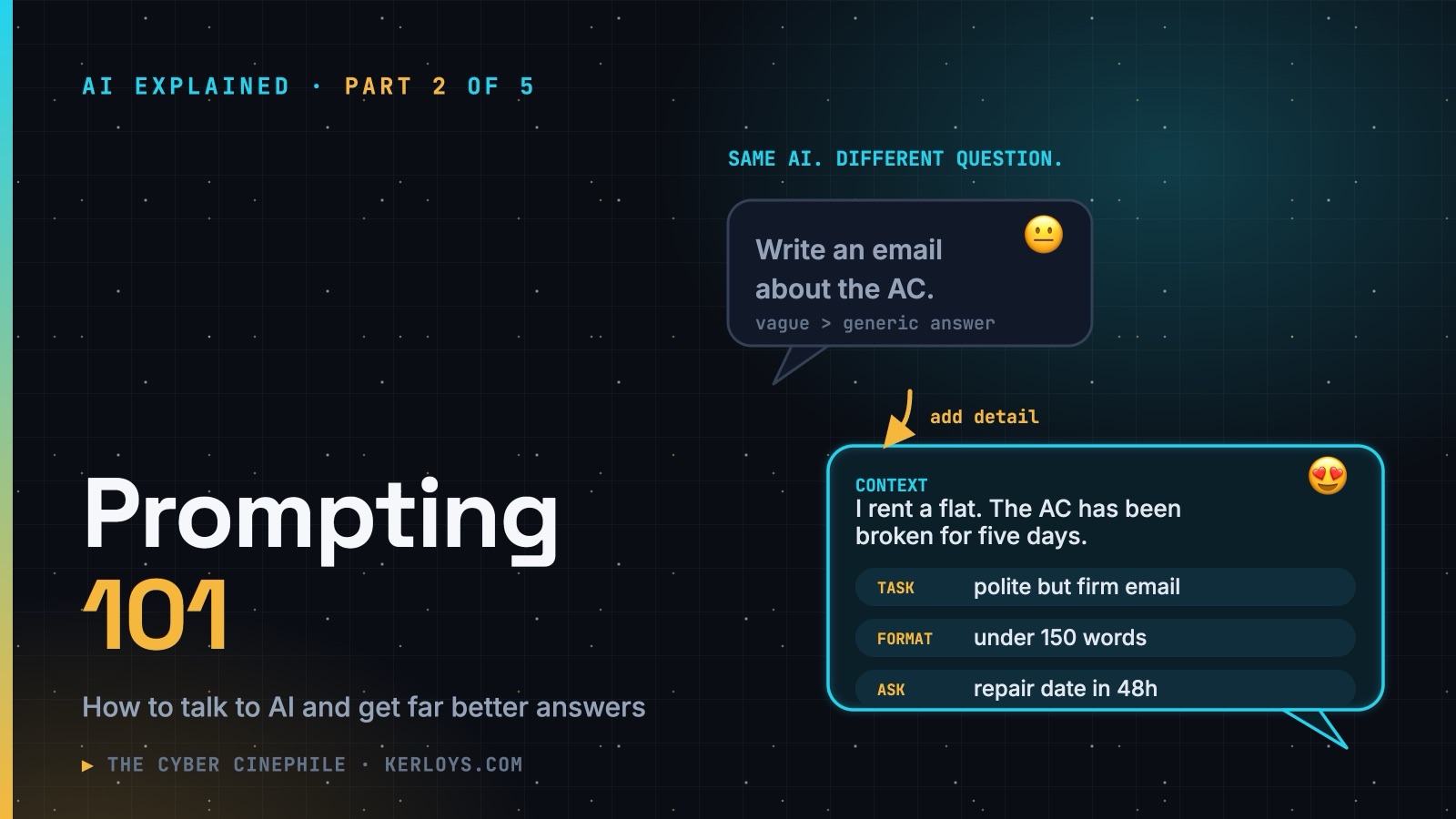
A weak prompt
Write an email to my landlord about the AC.
You’ll get something polite, bland and probably useless — it doesn’t know what’s wrong, how long it’s been, or what you want to happen.
A strong prompt
I rent an apartment and the air conditioning has been broken for five days. I reported it twice by phone and nobody came. Write a short email to my landlord (under 150 words) that is polite but firm, mentions the two earlier calls, and asks for a confirmed repair date within 48 hours.
Same AI, completely different result. You’ve given it the situation, the goal, the tone and the length. There’s nothing left to guess.
The five ingredients of a good prompt
You don’t need all five every time, but the more that matter to your task, the better the answer.
- 1. Context — who you are, who it’s for, and why. “I’m a small business owner explaining this to staff who aren’t technical” changes everything.
- 2. A clear task — say exactly what you want. Not “help with my CV” but “rewrite my CV summary to highlight leadership, for a senior manager role”.
- 3. What good looks like — length, tone and format. “Five bullet points.” “Friendly but professional.” “A table comparing price and features.”
- 4. An example — if you have a style you like, paste it in: “Write it in the same style as this…”. One example beats a paragraph of description.
- 5. Permission to ask — end with “Ask me any questions you need before you start.” The AI will often spot gaps you didn’t think of.
It’s a conversation, not a vending machine
The first answer is a first draft. The real magic is in the follow-ups:
- “Make it shorter.” / “Make it less formal.”
- “Give me three different versions.”
- “What’s missing from this?”
- “Explain that like I’m twelve.”
- “Now turn it into a checklist.”
If a chat goes off track, don’t keep arguing with it — start a fresh conversation with a better first prompt. It’s often faster.
Phrases that quietly improve answers
- “If you’re not sure, say so.” — gives it permission to admit uncertainty instead of inventing something.
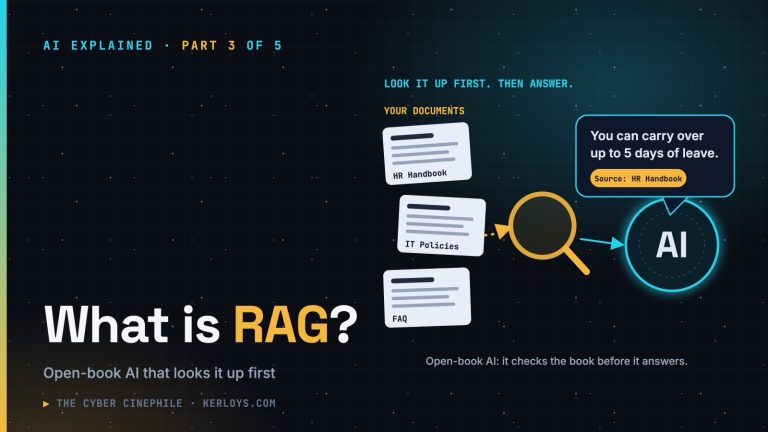
- “Use only the text below.” — paste the document and the AI works from it, not from memory. (This idea is the heart of RAG, coming in part 3.)
- “Show your reasoning step by step.” — useful for calculations, decisions and comparisons, and it makes mistakes easier to spot.
- “What would a critic say about this?” — a quick way to stress-test an idea or a plan.
Common mistakes
- Being vague — vague in, generic out.
- Asking leading questions — “This is a great plan, right?” AI tends to agree with you. Ask “What are the weaknesses of this plan?” instead.
- Cramming everything into one prompt — for big jobs, go step by step: outline first, then each section.
- Trusting the first answer — especially for facts, figures and anything important. Check it.
Do you need “magic prompts”?
No. You’ll see people selling “secret prompt formulas” online. Modern AI understands ordinary language very well; clear beats clever every time. If a colleague would understand your request, the AI almost certainly will too.
The security corner
Two things worth knowing before you get comfortable:
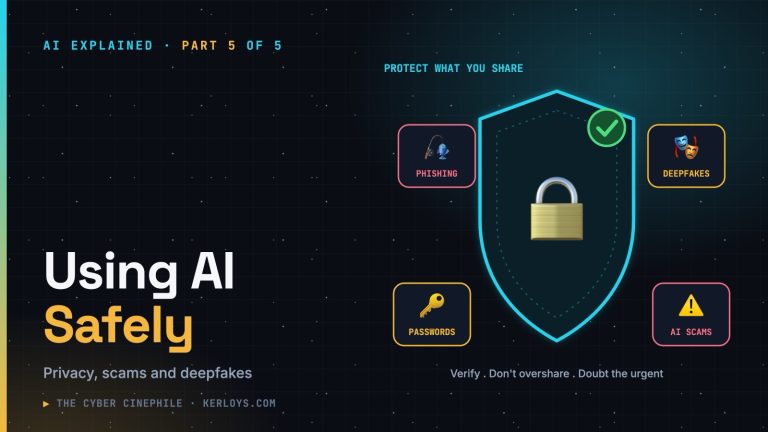
- Your prompt is data you’re handing over. Everything you type — and every document you paste — goes to the AI provider. Leave out passwords, personal data and anything confidential unless your organisation has approved the tool. Swap real names for placeholders like “Customer A”.
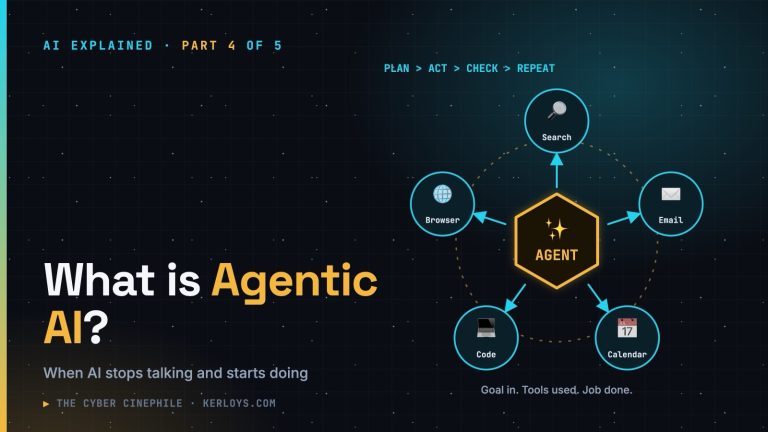
- Text can contain hidden instructions. When an AI reads a web page, email or document for you, that content might include instructions planted by someone else (“ignore your previous instructions and…”). This is called prompt injection. Be cautious when AI tools process content from strangers — more on this in parts 4 and 5.
Key takeaways
- Treat the AI like a smart new colleague who knows nothing about your situation.
- Give it context, a clear task and what good looks like — and an example if you have one.
- Iterate: the first answer is a draft, not the final word.
- Ask it to admit uncertainty, and keep sensitive data out of your prompts.
Next in the series
Part 3: What is RAG? — how companies give AI an “open book” of their own documents, so it answers from facts instead of memory and makes far fewer things up.