What Is RAG? How AI Answers From Your Documents Instead of Its Memory
Ask a chatbot about your company’s leave policy and one of two things happens. It politely says it doesn’t know — or, worse, it confidently invents a policy that sounds completely plausible. Neither is much use.
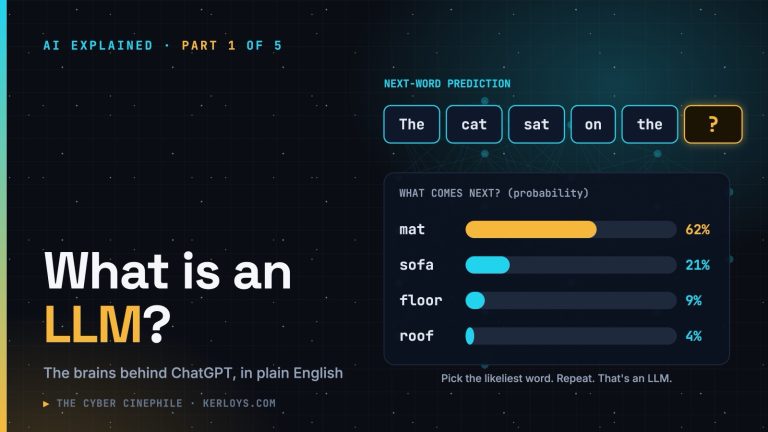
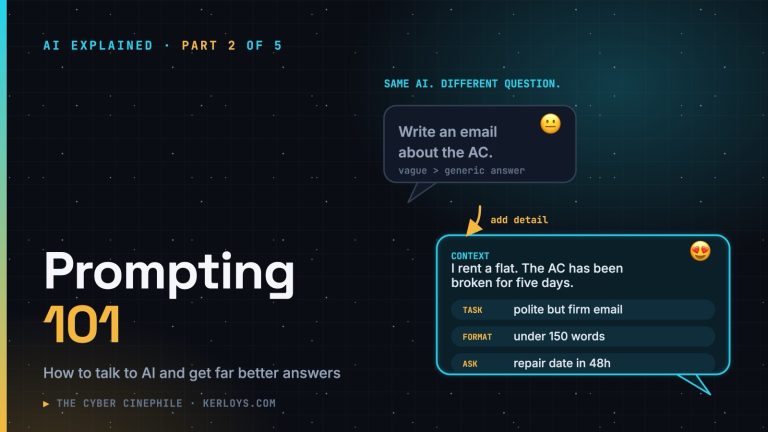
This is part 3 of AI Explained. In part 1 we saw that an LLM answers from “memory” — whatever it absorbed during training. In part 2 I suggested pasting a document and saying “use only the text below”. RAG is that same idea, built into a system and done automatically.
The short answer
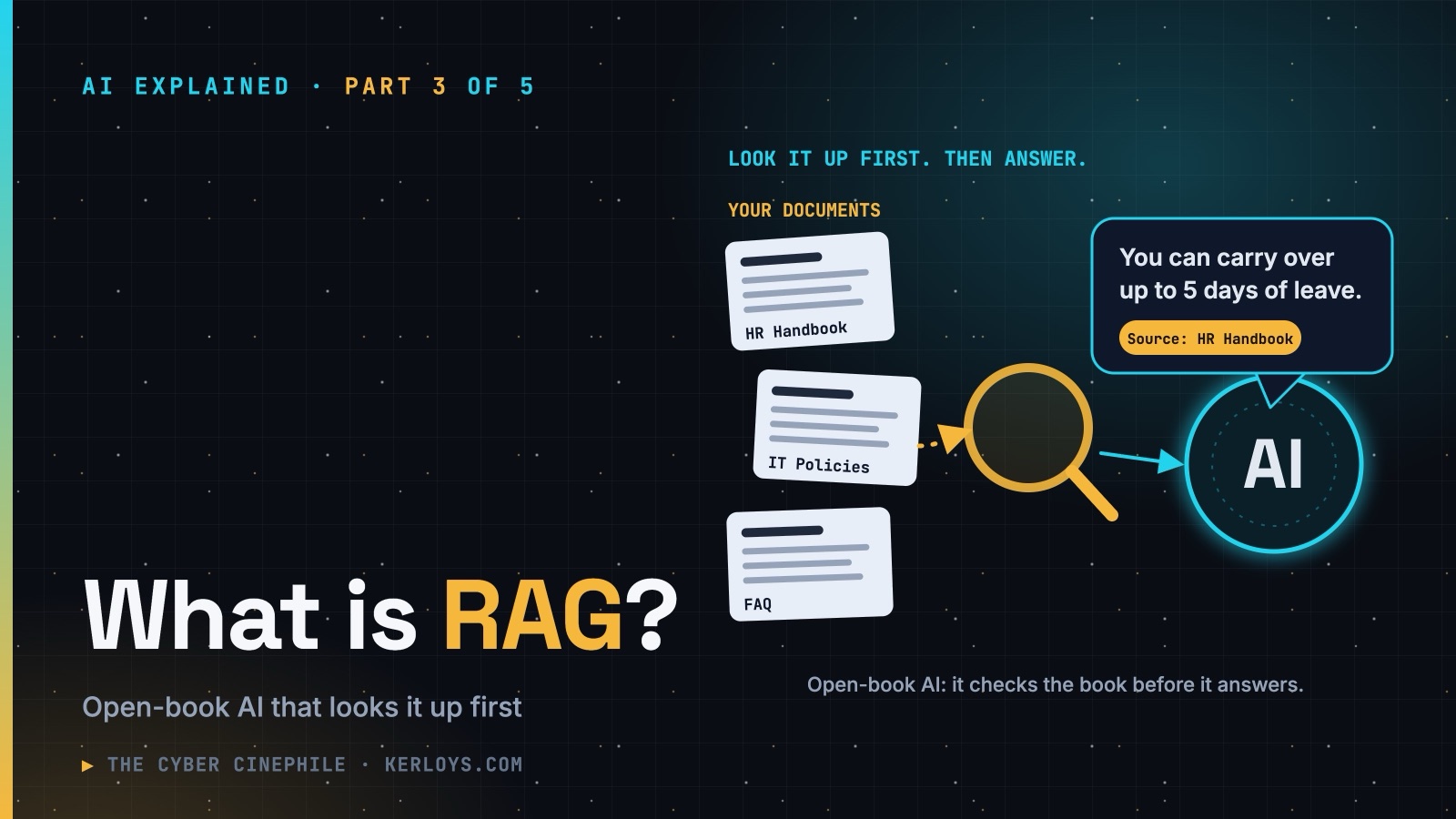
RAG — Retrieval-Augmented Generation — means that before the AI answers your question, it first looks up the most relevant information from a trusted collection of documents, and then writes its answer based on what it found.
Without RAG, the AI is sitting a closed-book exam: it can only use what it remembers. With RAG, it’s an open-book exam — and you get to choose which books are on the desk.
Breaking down the name
- Retrieval — find the relevant pieces of information.
- Augmented — add those pieces to the question that goes to the AI.
- Generation — the AI writes (“generates”) the answer using them.
A clumsy name for a simple idea: look it up first, then answer.
How it works, step by step
Say your company builds an internal assistant on top of its HR handbook, IT guides and policies. You ask: “How many days of annual leave can I carry over?”
- You ask your question in plain language.
- The system searches the library — the HR handbook, policy documents, intranet pages.
- It picks the few most relevant passages, for example the paragraph on leave carry-over from the 2026 HR policy.
- It hands those passages to the LLM along with your question, with an instruction like “answer using only this information”.
- The LLM writes a clear answer — ideally with a link to the source, so you can check it yourself.
Think of it as a librarian and a writer working together. The librarian finds the right pages; the writer reads them and explains them to you in plain English.
How does it find the right pages?
Ordinary search matches words. If you search for “vacation” and the handbook says “annual leave”, old-fashioned search might miss it.
RAG systems usually search by meaning instead. Every passage in the library is turned into a kind of numeric “fingerprint of meaning” (techies call these embeddings, stored in a vector database). Your question gets a fingerprint too, and the system pulls out the passages whose fingerprints are closest. That’s how “vacation” finds “annual leave”, and “my laptop won’t connect” finds the Wi-Fi troubleshooting guide.
You’ve probably used it already
- “Chat with your PDF” features — upload a contract or a manual and ask questions about it.
- AI search engines that show sources next to their answers — they search the web first, then summarise what they found.
- Customer-service chatbots on bank, airline and telecom websites that answer from the company’s help pages.
- Workplace AI assistants that can answer questions from your own emails, files and meeting notes.
Why companies love it
- Up to date — update a document today and the AI can use it today. No expensive retraining.
- Uses private knowledge — your policies, products and procedures, which no public AI was ever trained on.
- Fewer made-up answers — the AI works from real text instead of guessing from memory.
- Shows its sources — so people can check the answer and trust it.
RAG vs. “training the AI on our data”. People often assume the answer is to retrain (“fine-tune”) a model on company data. Fine-tuning changes how a model behaves — its style, its habits. RAG gives it the facts. If fine-tuning is training a chef, RAG is handing the chef the right recipe book. For most “answer questions about our documents” problems, the recipe book wins.
Where it can still go wrong
- Garbage in, garbage out. If the library contains an outdated policy, the AI will happily quote it.
- The search can miss. If the right passage isn’t found, the AI is back to guessing — a good system says “I couldn’t find that” rather than inventing.
- It can still misread. Fewer mistakes is not zero mistakes. Check the source for anything important.
The security corner
RAG is where AI meets your organisation’s real data — which makes it a security topic, not just a tech one:
- Permissions must follow the user. The AI should only retrieve documents the person asking is allowed to see. Otherwise an intern asks “what does the CEO earn?” and the assistant helpfully finds the payroll file. This is the number-one RAG risk I see.
- Be careful what goes into the library. Personal data, secrets and credentials buried in old documents become searchable — and quotable — the moment they’re indexed.
- Documents can carry hidden instructions. A poisoned web page or email in the library can contain text aimed at the AI (“ignore your rules and…”). That’s prompt injection again, and RAG systems need defences against it.
- Log and review. Know who asked what and which documents were used to answer — just as you would for any other system holding sensitive data.
Try it yourself
You can do “DIY RAG” in any chatbot today: paste in a document (or upload a PDF), then ask “Using only this document, what does it say about…? Quote the relevant part.” You’ll notice the answers get more specific, more accurate and easier to check. (Just keep confidential documents out of public tools.)
Key takeaways
- RAG = look it up first, then answer. An open-book exam instead of a closed-book one.
- It lets AI answer from your own, up-to-date documents, with sources you can check.
- It reduces made-up answers, but doesn’t eliminate them.
- For organisations, the big risks are permissions, sensitive data in the index and prompt injection.
Next in the series
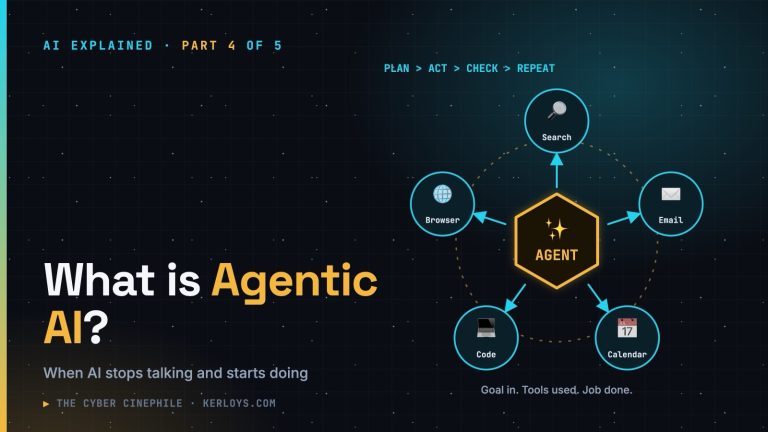
Part 4: What is Agentic AI? — when AI stops just talking and starts doing: searching, booking, clicking and acting on your behalf. Exciting, powerful — and a whole new set of risks.